
Dental milling machines are built for different materials, restoration types, and workflows.
A dry mill used mainly for zirconia has different requirements from a wet milling system used for glass ceramics or titanium premill blanks.
This guide explains the main machine types, material compatibility, key specifications, and where milling fits within the CAD/CAM workflow.
What Is a Dental Milling Machine?
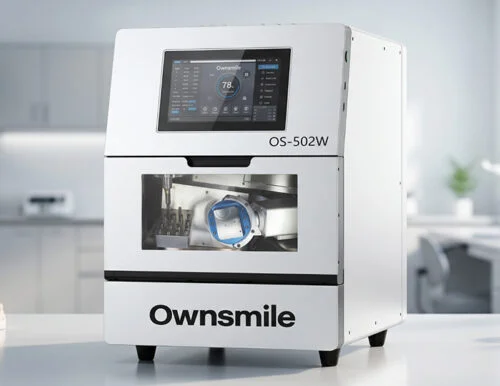
A dental milling machine is a computer-controlled machine that removes material from a disc, block, or premill blank to shape dental restorations and components from a digital design.
This subtractive process is known as dental milling. Within a CAD/CAM workflow, the machine receives machining instructions from CAM software and follows them using rotating burs.
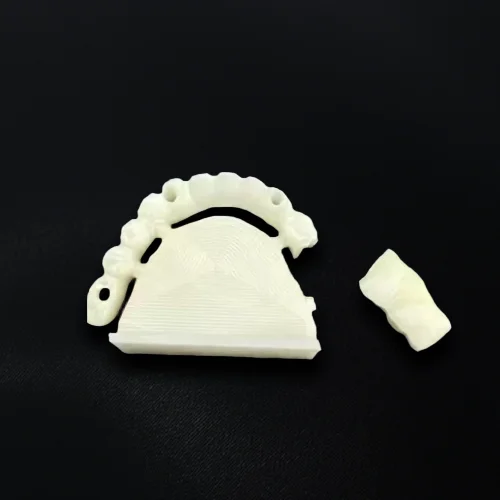
Dental labs use milling machines to produce crowns, bridges, temporary restorations, implant abutments, full-arch restorations, denture components, and other CAD/CAM work.
How Does a Dental Milling Machine Fit Into a CAD/CAM Workflow?
A typical CAD/CAM milling workflow includes the following steps:
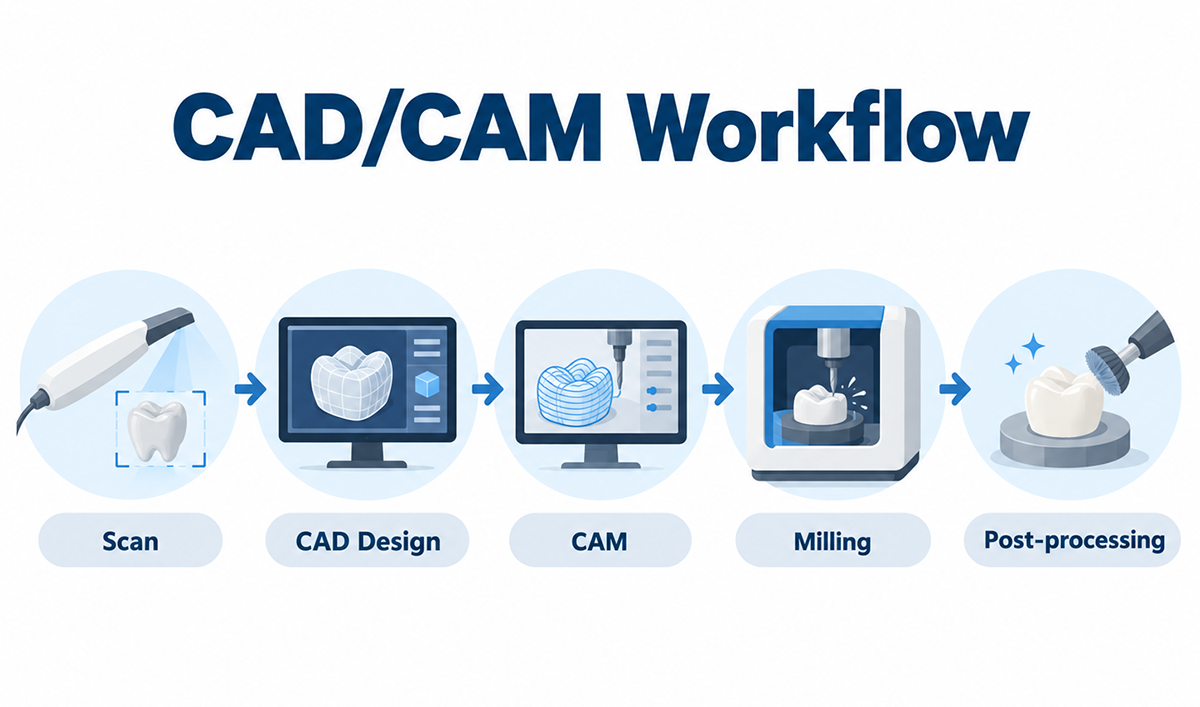
Scan or Import the Digital Model
Digital case data may come from an intraoral scanner, lab scanner, or another digital source.
Create the Restoration in CAD Software
Using the digital model, the technician designs the restoration in CAD software.
Prepare the Job in CAM Software
The restoration is positioned within the selected disc, block, or premill blank. CAM software then generates the toolpaths and machining strategy.
Load the Material and Tools
The required material, holder, and milling burs are prepared before machining begins.
Mill the Restoration
Following the CAM-generated toolpaths, the machine removes material step by step to produce the designed geometry.
Complete the Required Post-Processing
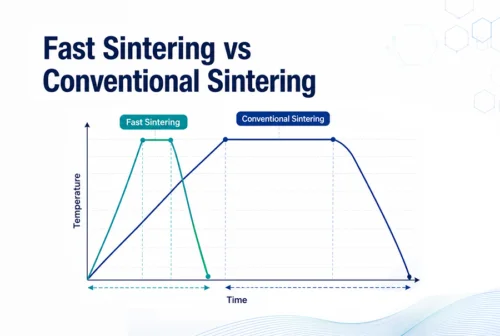
The next step depends on the material. Zirconia restorations require sintering, while some lithium disilicate restorations require crystallization. Other materials may require finishing or polishing.
In simple terms, CAD defines the restoration, CAM plans how it will be machined, and the dental milling machine executes the toolpaths.
What Types of Dental Milling Machines Are There?
Dental milling machines can be classified by milling mode, axis configuration, material loading, and intended application. These categories describe different aspects of the same machine rather than separate machine families.
For example, one system can be a 5-axis, single-disc dental lab mill that supports both wet and dry machining.
Dry, Wet, and Combined Wet/Dry Milling Machines
Milling mode describes whether a machine works with or without liquid coolant. It affects material handling, dust or coolant management, and the workflows a system can support.
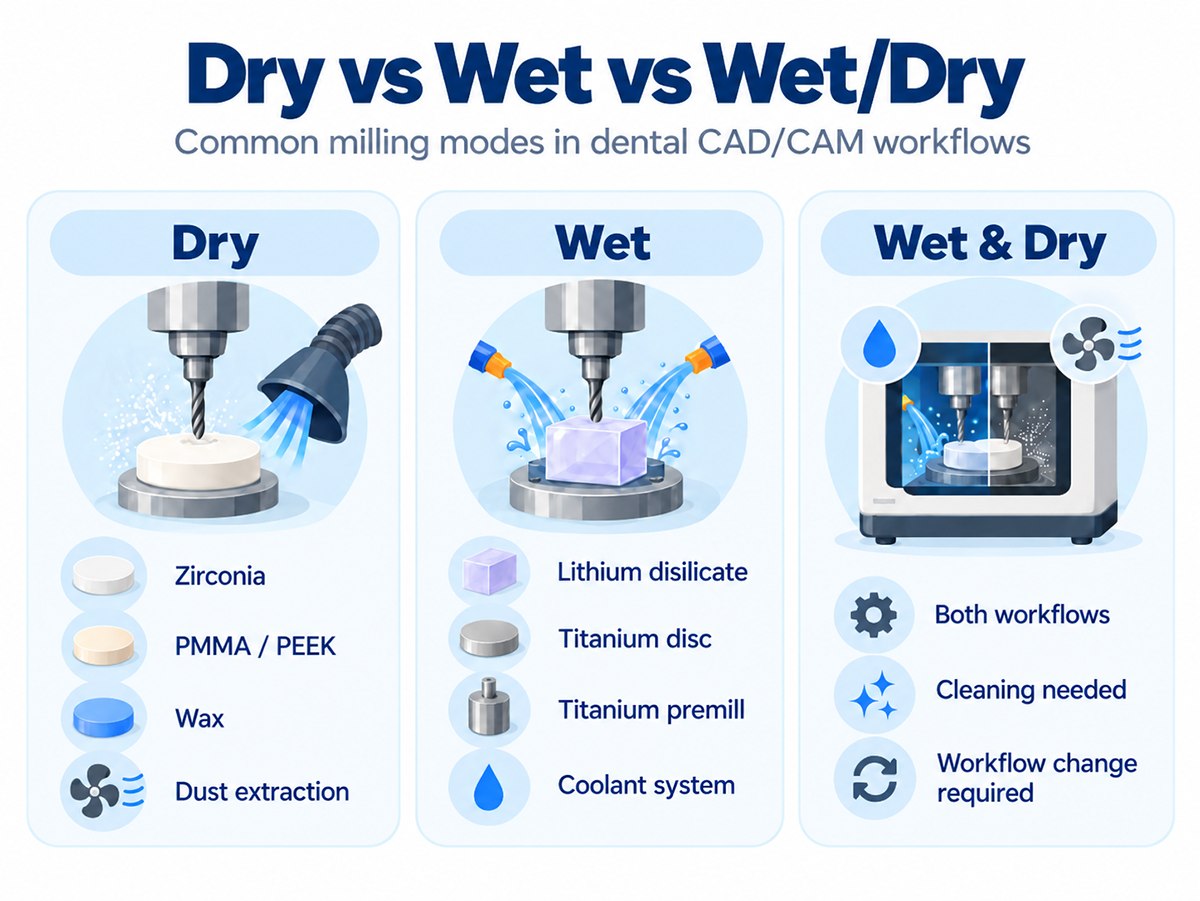
Dry milling machines operate without liquid coolant. They are commonly used for pre-sintered zirconia, PMMA, wax, and selected polymer materials. Because dry machining creates fine particles, effective dust extraction is an important part of the system.
Wet milling machines use coolant to control heat and remove cutting debris during machining. Wet milling is commonly used for glass ceramics, lithium disilicate, and titanium premill blanks.
Combined wet/dry milling machines support both processing modes in one system. This gives the lab more material flexibility, although switching between workflows may require cleaning, coolant management, or preparation before the next material is loaded.
3-Axis, 4-Axis, and 5-Axis Milling Machines
Axis configuration describes how the cutting tool and workpiece can move during machining.
A 3-axis milling machine moves along the X, Y, and Z axes. It can handle simpler geometries but has more limited access to steep angles and deeper areas.
A 4-axis milling machine adds rotational movement, allowing the workpiece to turn during milling and giving the bur better access to different surfaces.
A 5-axis milling machine adds another rotational movement. This gives the tool more freedom to approach complex contours, angled features, and harder-to-reach areas.
Tool access also depends on rotational range, holder design, bur length, CAM strategy, and restoration geometry.
For a deeper comparison, see our 4-Axis vs 5-Axis Dental Milling Machines guide.
Single-Disc and Multi-Disc Milling Machines
Material loading describes how many discs or workpieces a milling system can hold before an operator needs to intervene.
A single-disc milling machine holds one disc or workpiece at a time. If the next job requires a different material, shade, or disc, the operator loads it manually.
A multi-disc milling machine stores several discs and can switch between them automatically. This allows queued jobs to continue with less manual loading between cases.
Multi-disc systems are useful when several jobs are prepared in the CAM queue and the lab wants to extend unattended production.
Dental Lab and Chairside Milling Machines
Dental lab and chairside systems are designed around different production needs, even though both follow similar CAD/CAM principles.
Dental lab milling machines are built for laboratory production. They usually support a wider range of materials, restoration types, holders, and CAM strategies. Some systems also include larger tool magazines, disc changers, or other automation for longer production runs.
Chairside milling machines are designed for workflows closer to the patient. They are often used for same-day or short-turnaround restorations such as crowns, inlays, and onlays, with a stronger focus on compact operation and streamlined clinical workflows.
In practice, the difference is less about machine size and more about the workflow, case range, and production environment each system is designed to support.
What Materials Can Dental Milling Machines Process?
Dental milling machines can process materials ranging from pre-sintered zirconia and polymers to glass ceramics and metals. Material support varies from one system to another.
Material compatibility depends on more than milling mode. Spindle capability, machine rigidity, tooling, holders, CAM strategy, and the material workflow all need to work together.
Metal milling is a good example. A machine may handle titanium premill blanks well but still not be built for full titanium discs, which place much greater demands on rigidity, spindle performance, fixturing, and tooling.
What Specifications Matter in a Dental Milling Machine?
Machine specifications help explain how a milling system performs in real production. Spindle performance, axis movement, accuracy, tooling, and workpiece support all influence the way a machine handles different materials and cases.
Understanding what these specifications affect makes the numbers much easier to interpret.
Spindle Speed, Power, and Torque
A higher spindle speed does not automatically mean a machine will mill faster or handle harder materials better.
Spindle speed affects how quickly the bur rotates, while power and torque describe how well the spindle can maintain cutting force under load.
Small burs may benefit from higher rotational speeds, while harder materials can place greater demands on spindle stability and torque. The right balance depends on the material, bur size, feed rate, and CAM strategy.
Axis Range and Tool Access
Axis count tells you how many controlled movements a machine has. Axis range shows how far those movements can actually travel or rotate.
Two 5-axis milling machines can therefore have different levels of tool access. Rotational limits, holder design, bur length, and CAM strategy all affect how easily the tool can reach steep surfaces, angled features, or deeper areas.
For complex restorations, the actual movement range matters just as much as the number of axes.
Milling Accuracy
Published accuracy figures are useful technical references, but final restoration fit depends on more than the machine specification alone.
Other factors include:
- machine calibration
- bur condition and wear
- CAM settings and toolpath strategy
- material behavior
- sintering shrinkage for zirconia
- crystallization or finishing where required
This is why the same nominal machine accuracy does not always produce identical results under different milling conditions.
Tool Capacity and Automatic Tool Changing
Dental milling often uses different milling burs for roughing, detailed machining, and finishing. Different materials may also require different bur types or tool configurations.
Tool capacity describes how many burs the machine can hold at one time. Larger tool magazines allow more machining steps to run without manual tool replacement.
Automatic tool changers select the required bur during milling, helping longer or more complex jobs continue with less technician intervention.
Workpiece and Holder Compatibility
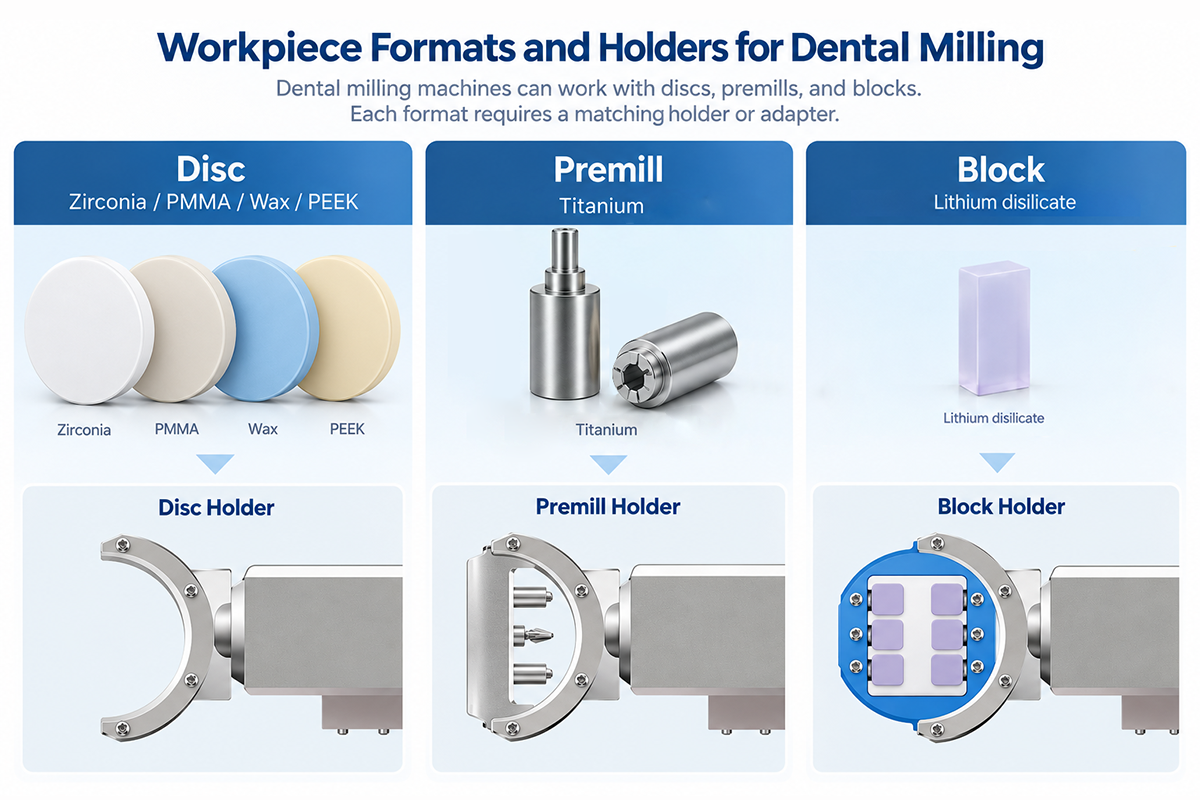
Dental materials come in different workpiece formats, including discs, CAD/CAM blocks, and premill abutment blanks. The machine needs the correct holder or adapter for each format.
A system configured for standard dental discs, for example, may require a different holder before it can process blocks or premill blanks. In practice, holder compatibility helps determine which workpiece formats the machine can actually process.
CAM Compatibility
CAM software generates the toolpaths and machining instructions used by the milling machine. Compatibility can depend on:
- supported CAM software
- the correct machine post-processor
- tool libraries
- material settings and milling strategies
Some milling systems operate within a more controlled software environment, while others support several CAM platforms.
For a dental lab, the important question is whether the CAM setup can generate machining data that matches the machine, tooling, holder, and material being used.
Operating Requirements for a Dental Milling Machine
Machine performance also depends on the supporting setup in the lab. Depending on the system, operating requirements may include:
- compressed air
- dust extraction
- coolant or water management
- electrical supply
- enough space for operation and service access
The requirements differ by machine and milling mode. Dry milling places more emphasis on dust extraction, while wet milling requires coolant or water management.
Together, these specifications help define the materials, cases, and production workflows a milling machine can support.
Choosing the Right Milling Setup
Different labs will need different milling setups depending on the materials and cases they handle. Once these basics are clear, the next step is to decide which milling machine best fits your lab's production needs and workflow.